01
Layers, cameras and lights
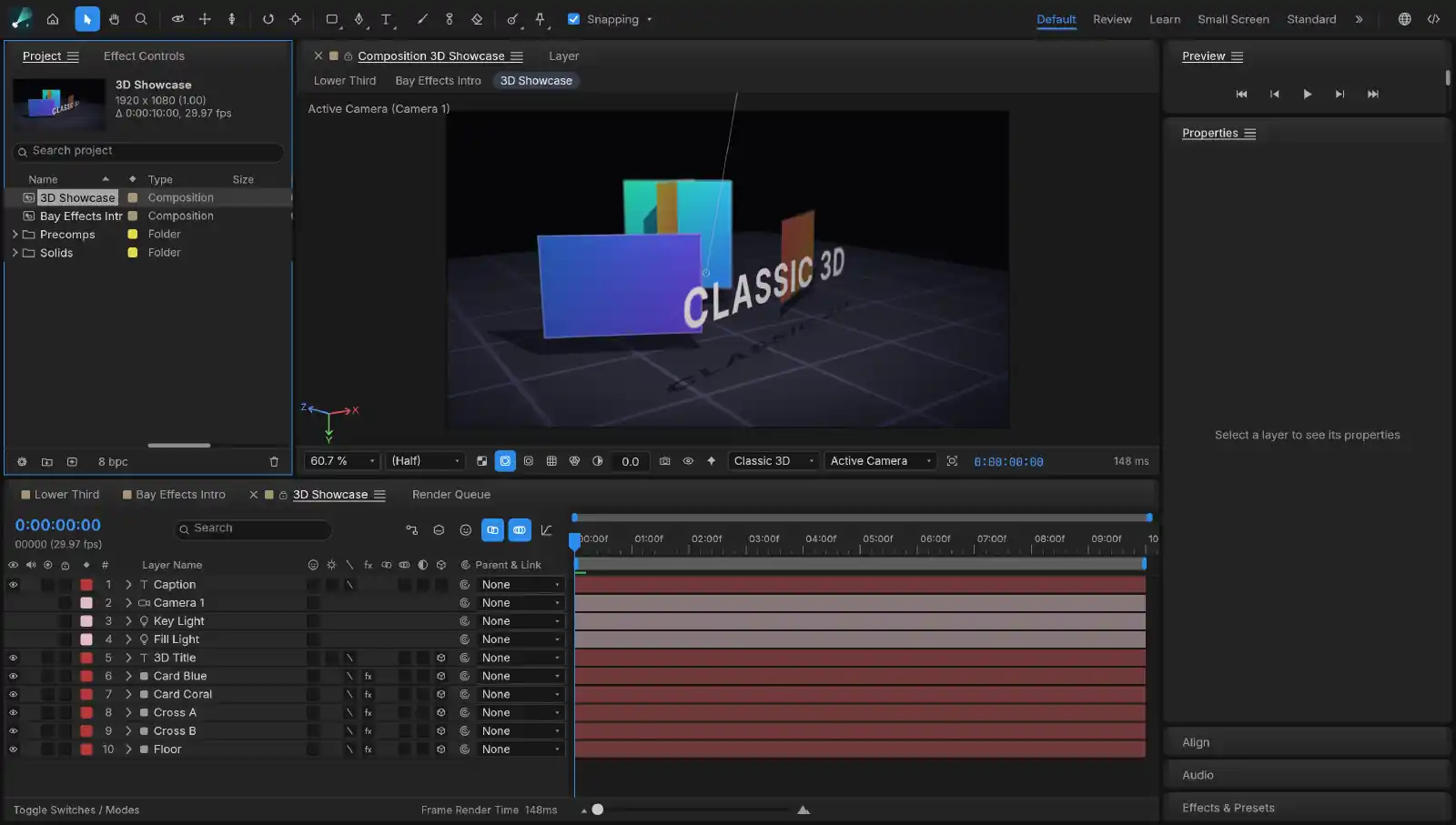
Solids, shapes, text, footage and nested compositions, with 306 effects and layer styles to stack on them. Turn a layer 3D and light it, seen through a camera you animate like any other layer.
Motion graphics and effects
In development
v0.2.4
Ask for the animation, then ease every keyframe yourself.
AI-assisted motion graphics and effects for the Mac, laid out the way After Effects is. Roto Brush and face tracking can use trained models that run on your machine, and every action is a command an agent can run, so you can ask for a lower third and watch it being built.
How you work in Bay Effects
01
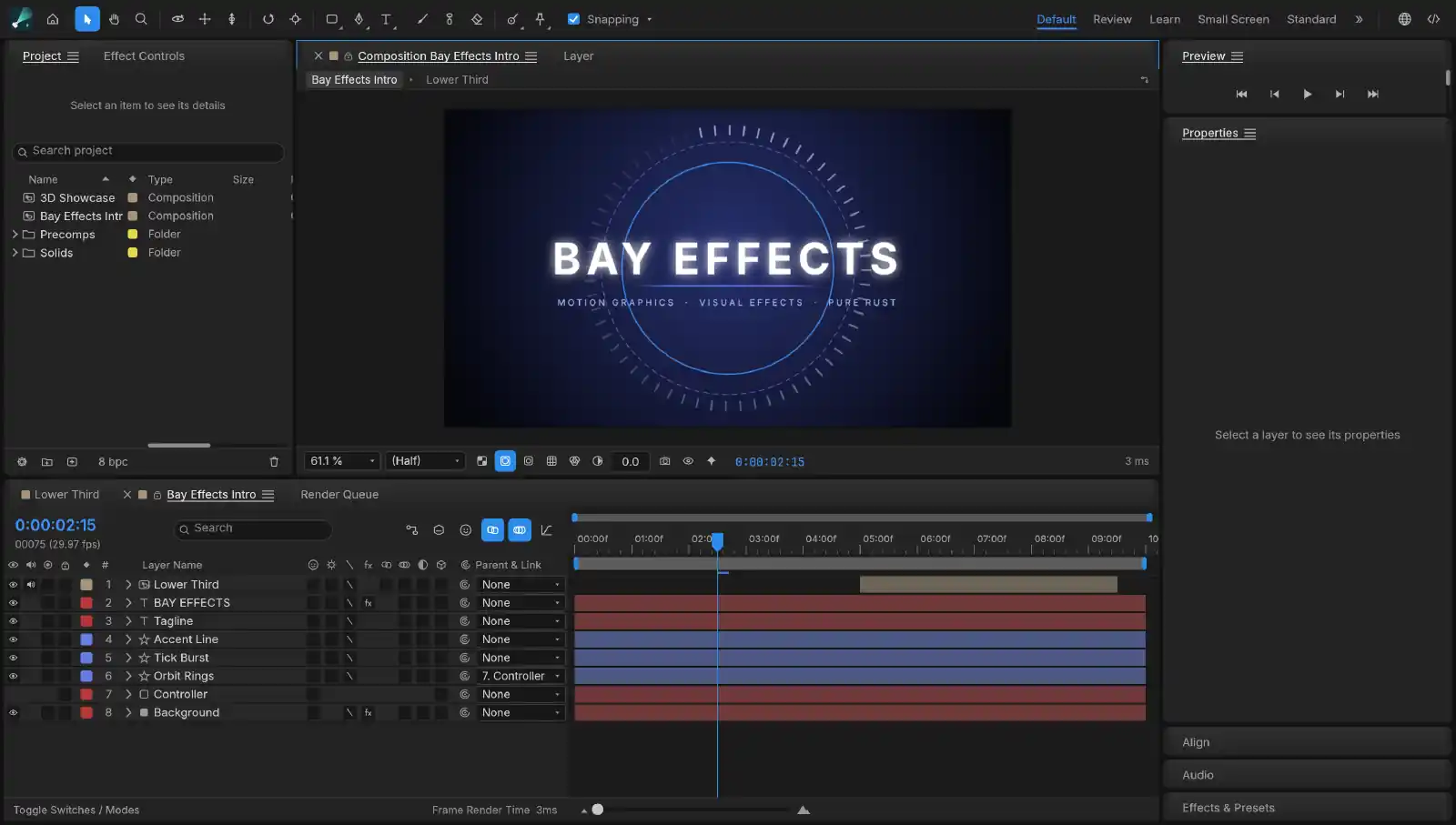
“Build a lower third with my name that slides in from the left.” The layers and keyframes appear in the open composition, each step in your undo history.
02
The slide feels mechanical. Open the Graph Editor and ease the key by hand, the way you would in After Effects.
03
Save the effect stack as a preset and ask for it by name. The next title the agent builds starts from your settings.
01
Solids, shapes, text, footage and nested compositions, with 306 effects and layer styles to stack on them. Turn a layer 3D and light it, seen through a camera you animate like any other layer.
02
The Graph Editor eases a key the way you would ease it there, and expressions like wiggle and loopOut run as written.
03
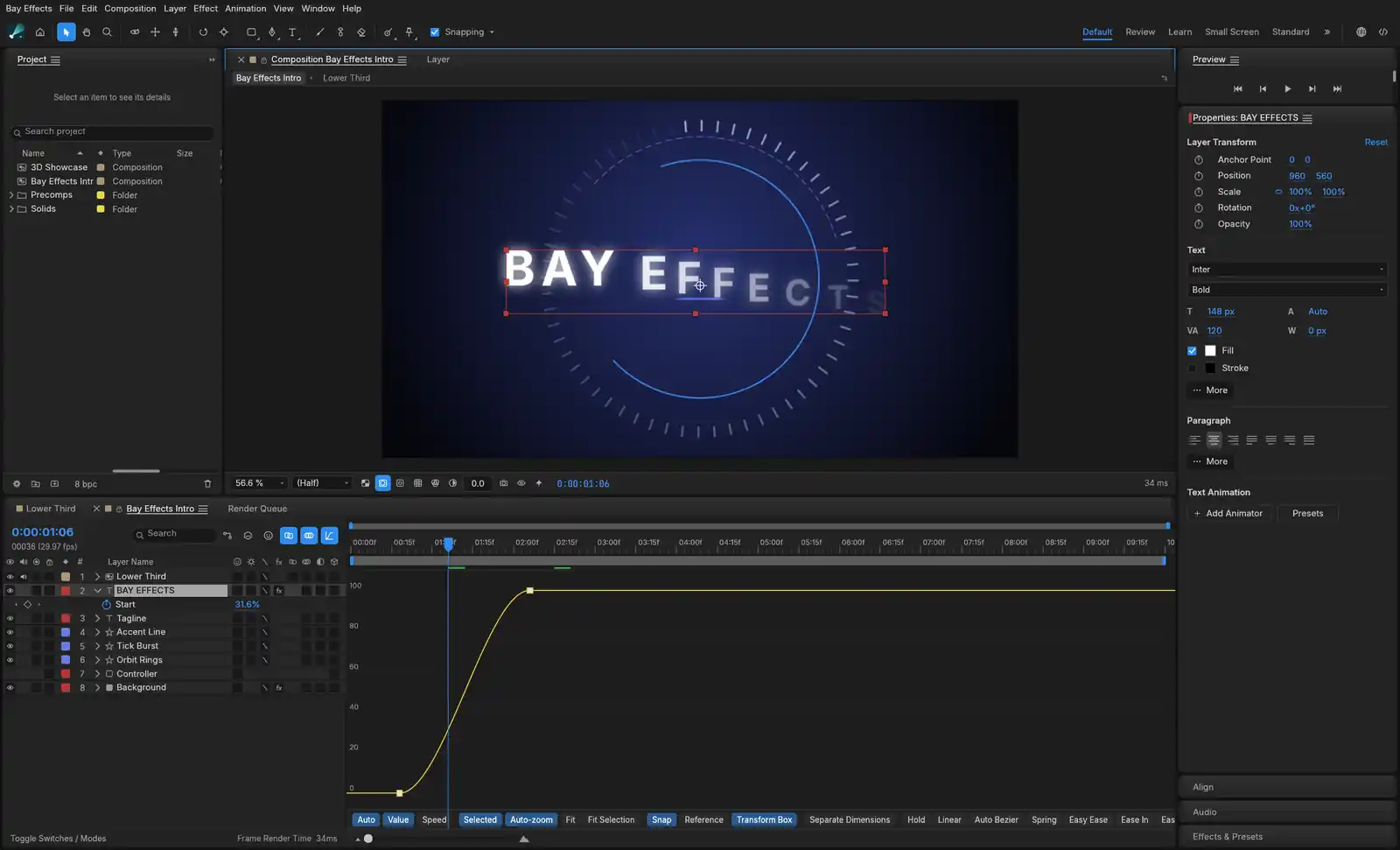
Bay Effects decodes and encodes video itself, so there is no FFmpeg to install. Queue H.264, HEVC, ProRes with alpha or WebM, or export Lottie for a web page.
04
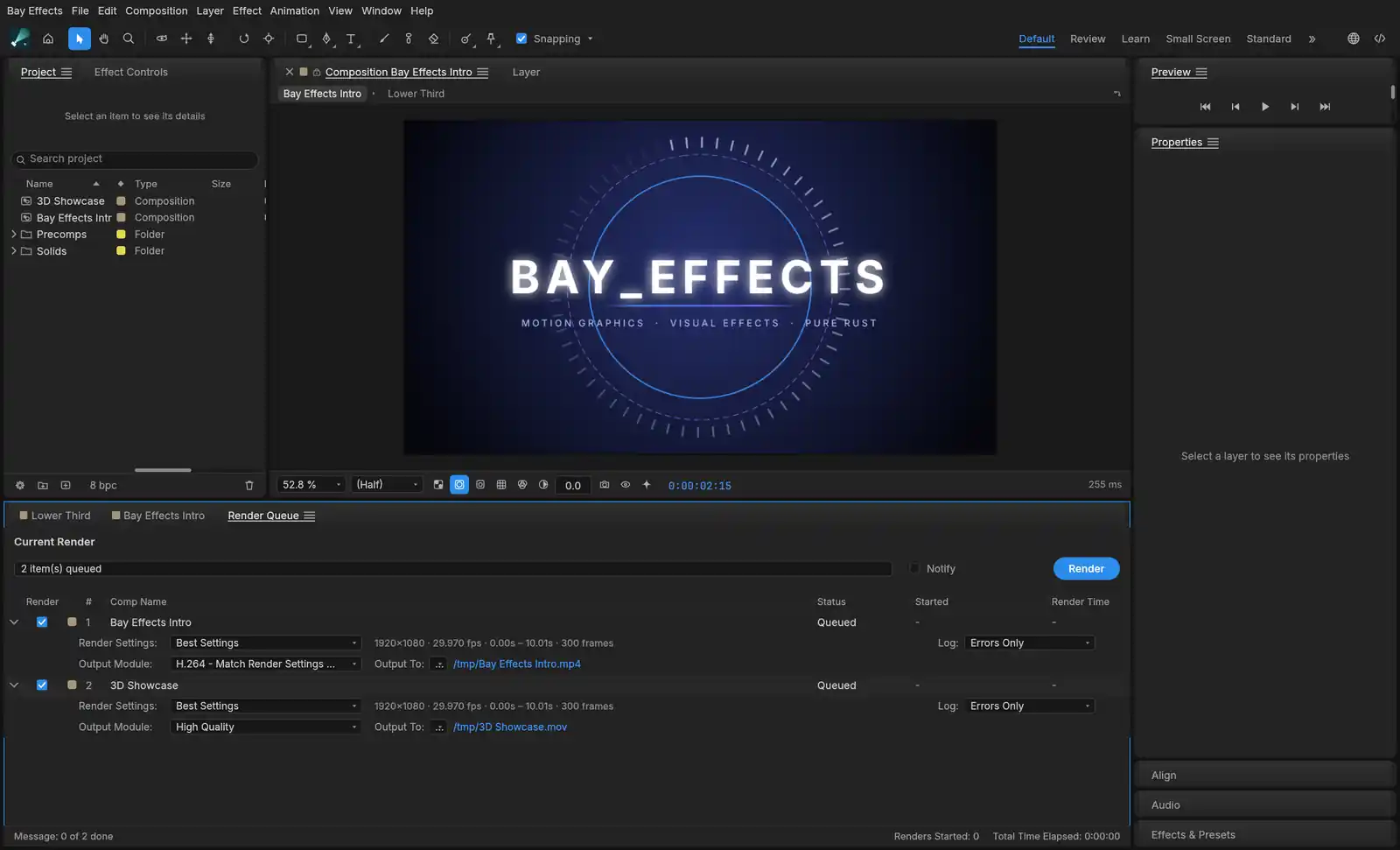
Project, Composition, Timeline, Effect Controls and Effects & Presets are docked the way After Effects docks them, and keyframes, the Graph Editor and expressions behave the same way.
05
Paint a few strokes over a subject and Roto Brush separates it from the background, then carries the matte from frame to frame. In Settings ▸ Roto Brush you can switch from the built-in segmenter to MobileSAM, which Bay Effects downloads when you ask and runs on your Mac.
06
Face tracking keys a mask to a face as it moves, or keys every eye, brow and mouth point into the layer, so other layers can follow an expression. MediaPipe Face Landmarker is the trained model for it, also downloaded on request and run on your Mac.
07
Every action is a command, open to the bay-effects command-line tool and an MCP server. Ask Claude for a lower third and watch the layers and keyframes appear in the open project.
Questions
Yes. Bay Effects is free to download and use, with no subscription and no account.
It is laid out the way After Effects is: Project, Composition, Timeline, Effect Controls and Effects & Presets panels, with a Graph Editor, expressions and 3D layers with cameras and lights.
Expressions such as wiggle and loopOut run as written.
Yes. Export an animation as Lottie for a web page, or render H.264, HEVC, ProRes with alpha or WebM.
Yes. Roto Brush can use MobileSAM and face tracking can use MediaPipe Face Landmarker. Each model is downloaded when you ask for it and runs on your Mac.
Yes. Every action is a command, open to the bay-effects command-line tool and an MCP server. Ask Claude for a lower third and the layers and keyframes appear in the open composition, ready for you to adjust.
What it costs, and what it sends
Bay Effects is free, there is no subscription, and you don’t need an account. Your projects and footage stay on your disk, and the trained models run on your Mac. The app sends crash, performance and usage reports to our own server so we can fix what breaks. They never carry your footage, file names, project contents or anything you type.